How can I pair my SmartBCI with Windows 8/8.1/10/11 running computers via Bluetooth?
Turn on Bluetooth adapter on your PC or laptop.
Press and hold for a while Control Button on SmartBCI to run the device until all three control LED’s flash.
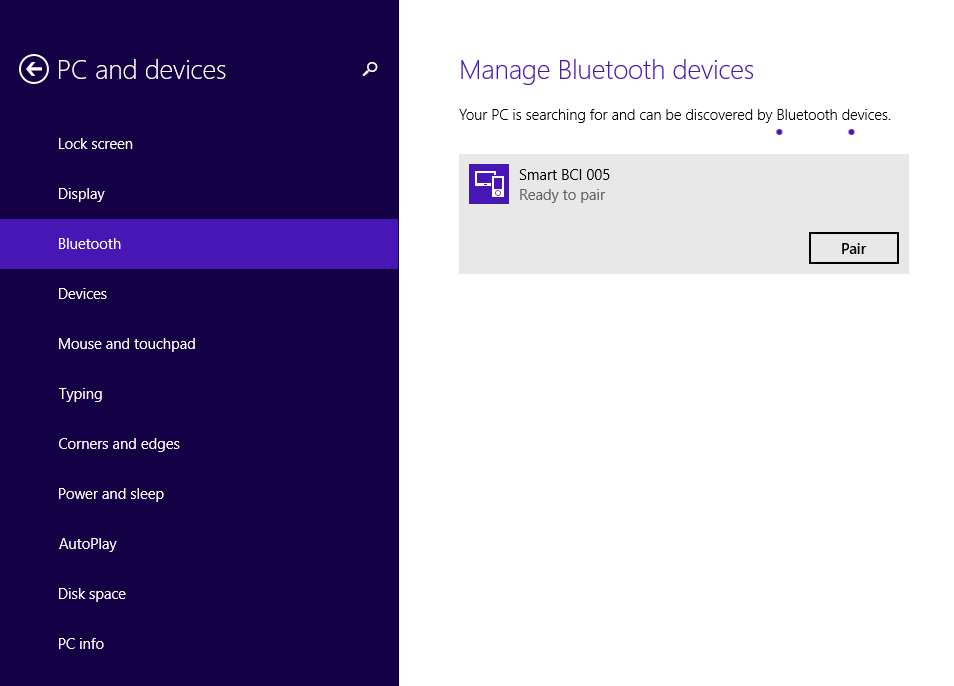
Go to PC settings – PC and device – Bluetooth and find Smart BCI device in the list. It could be displayed like Unknown device first before its name and SN will be displayed.
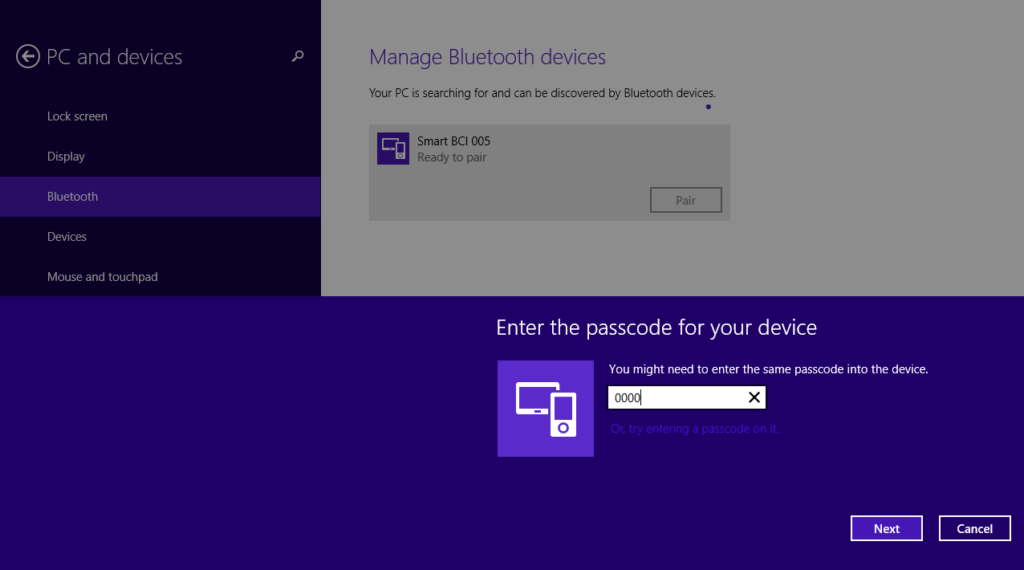
Click Pair button and enter “1234” pair code to establish connection. For older devices the might be “0000”
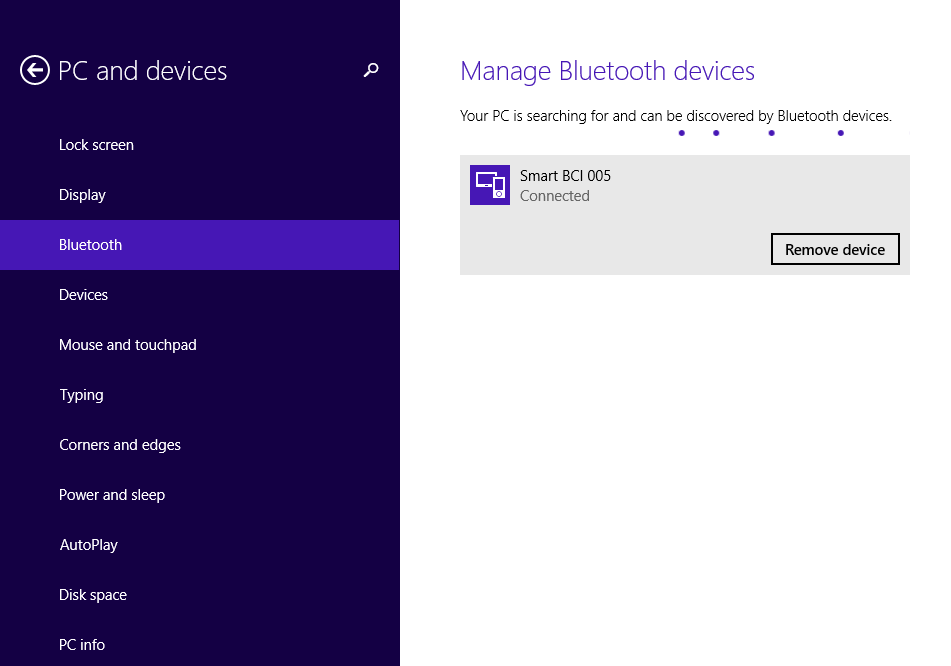
Wait until pairing is finished and device status is displayed like Connected.
Now you are ready to start data acquisition in WinEEG or EEGStudio software.
Remember that deice will be turned off automatically after 5 minutes if no action are performed.